
Your SketchUp view, realized.
Photoreal renders straight from your viewport. Realize AI reads your model’s edges, depth and materials, then renders on your own NVIDIA graphics card. No credits, no uploads, no subscription.
For Windows 10/11 and SketchUp 2021–2026 with any NVIDIA card of 4 GB or more. Will it run on my PC?
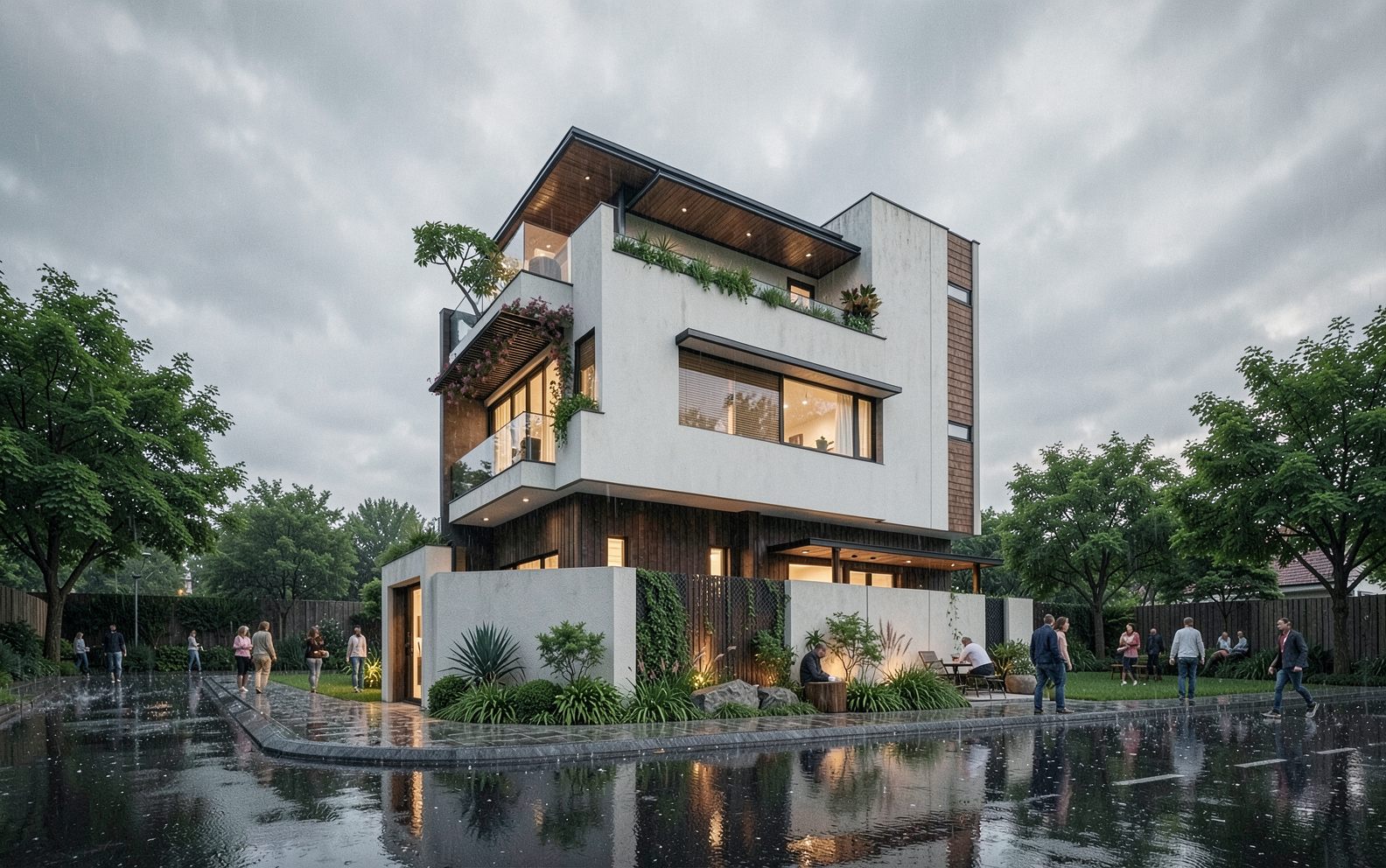
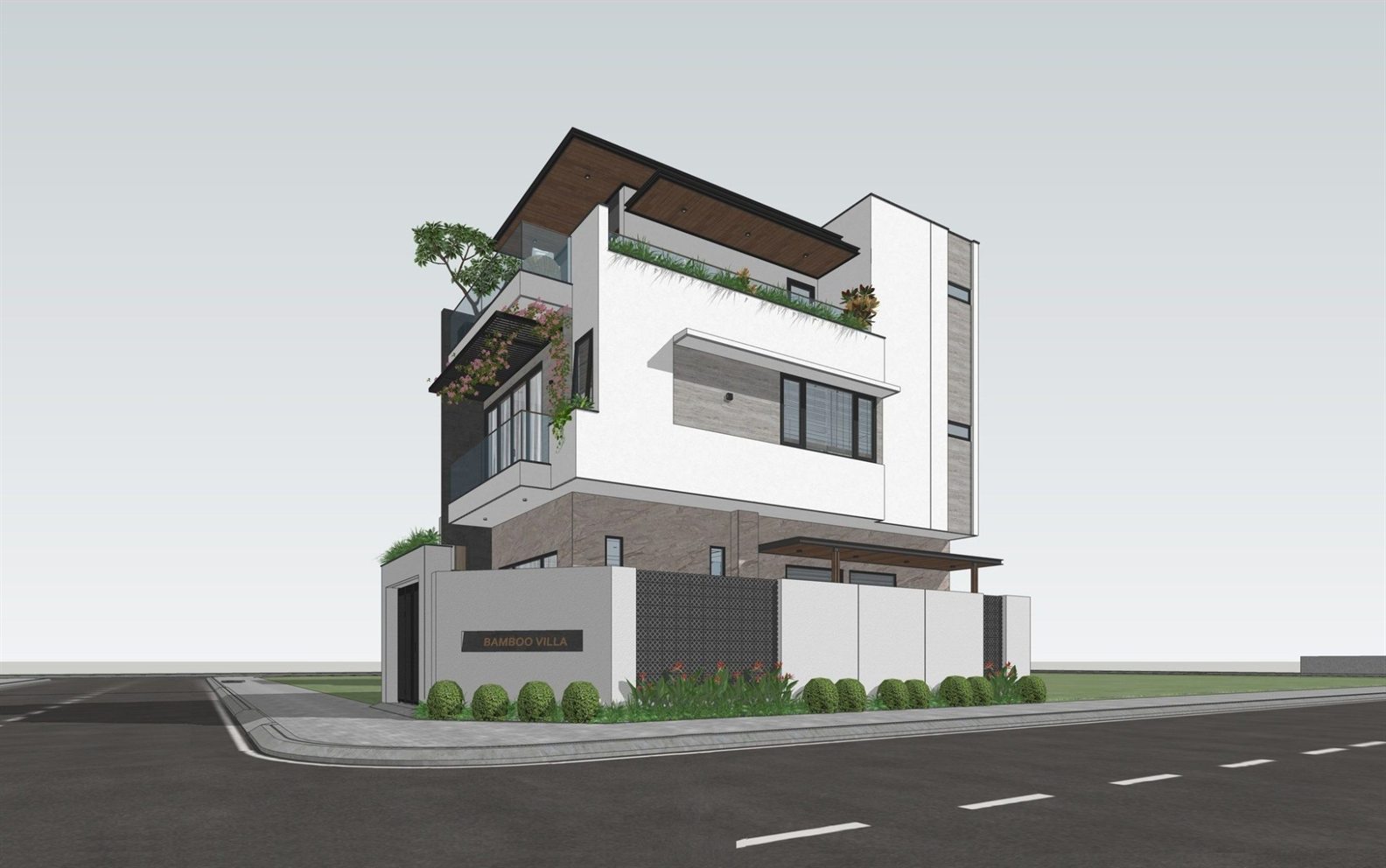 SketchUp view Realize render
 Realistic engine, running on your GPU
-
About 15 seconds a render
Measured on an RTX 5060 laptop. Your own NVIDIA card does the work.
-
Unlimited, for one price
No credits, no subscription, no account. Render as much as you like.
-
Your model stays with you
Capture and rendering both happen on your PC. Nothing is uploaded.
It reads the model, not just a screenshot.
Realize captures your model’s edges, depth and materials before it renders, so walls, openings and proportions stay where you put them.
-
Reads your scene
Detects interior, exterior or aerial from your camera, measures the room and finds every visible material.
-
Captures your geometry
Takes clean edge, depth and material passes in one undo-safe step, with guides, axes and section cuts hidden.
-
Keeps your design
Those passes hold walls, openings and proportions in place. The faithfulness slider sets how far the render may stray.
-
Renders, then refine
Make 1, 2 or 4 variations, then change a finished render in plain words.
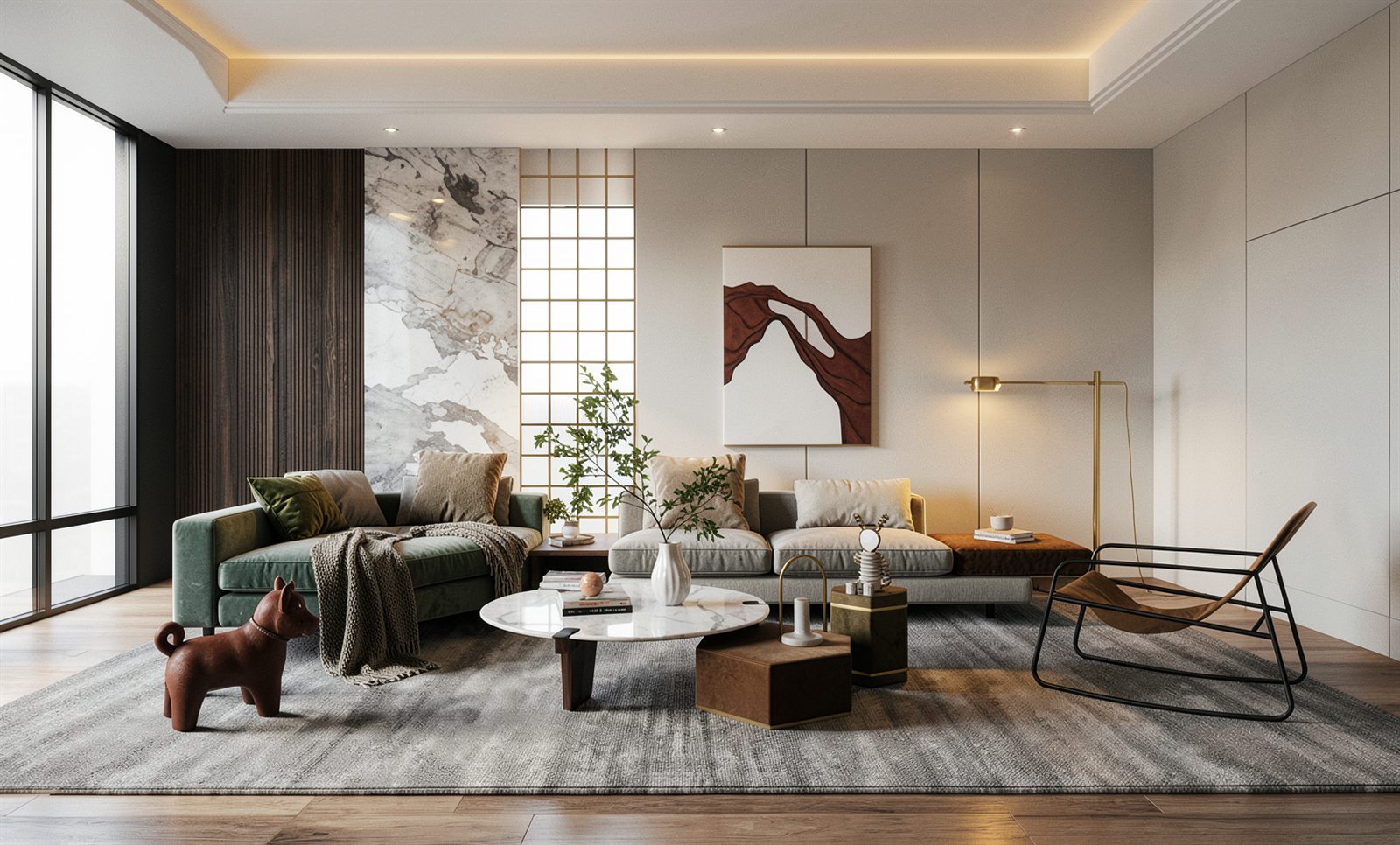 SketchUp view Realize render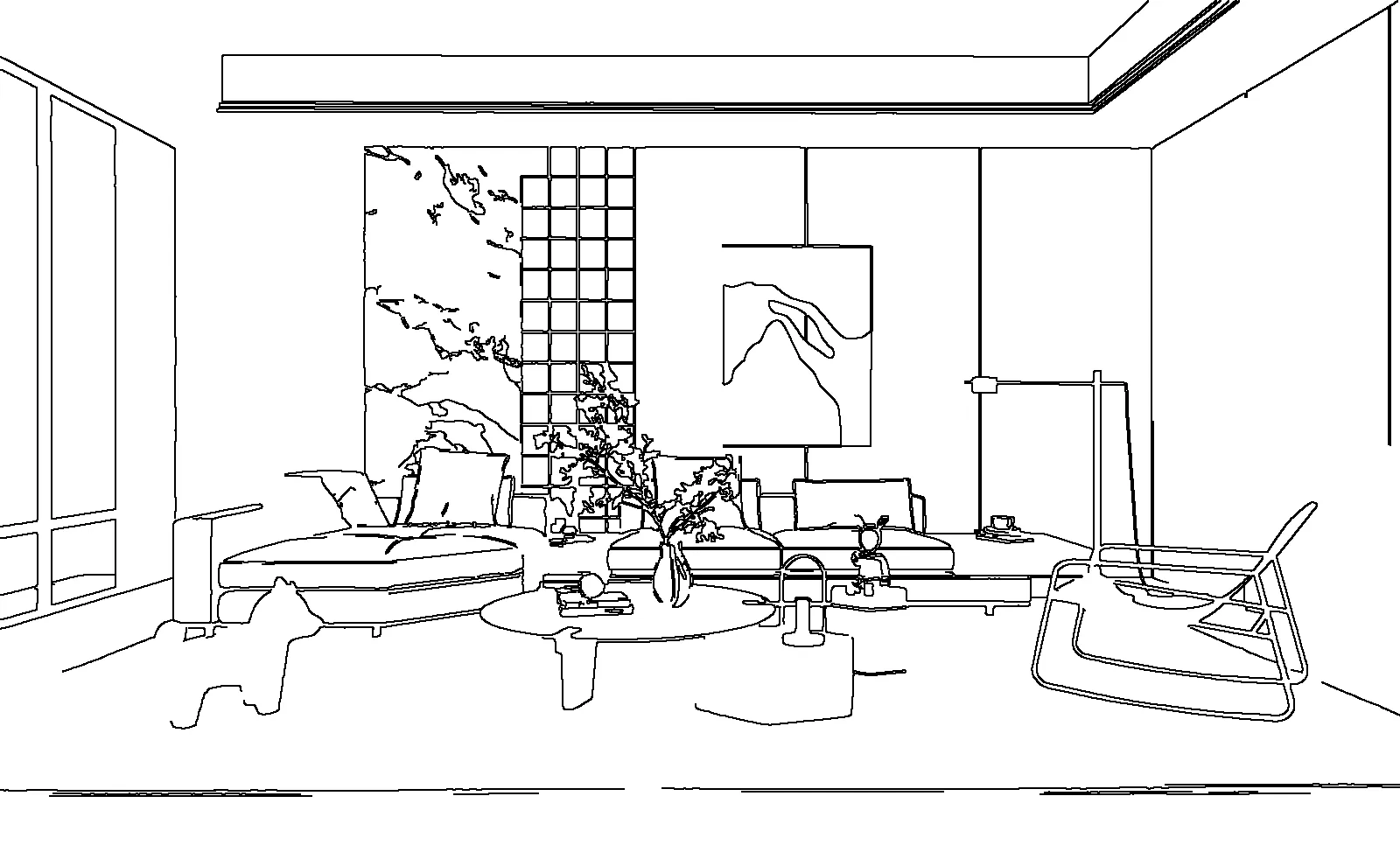
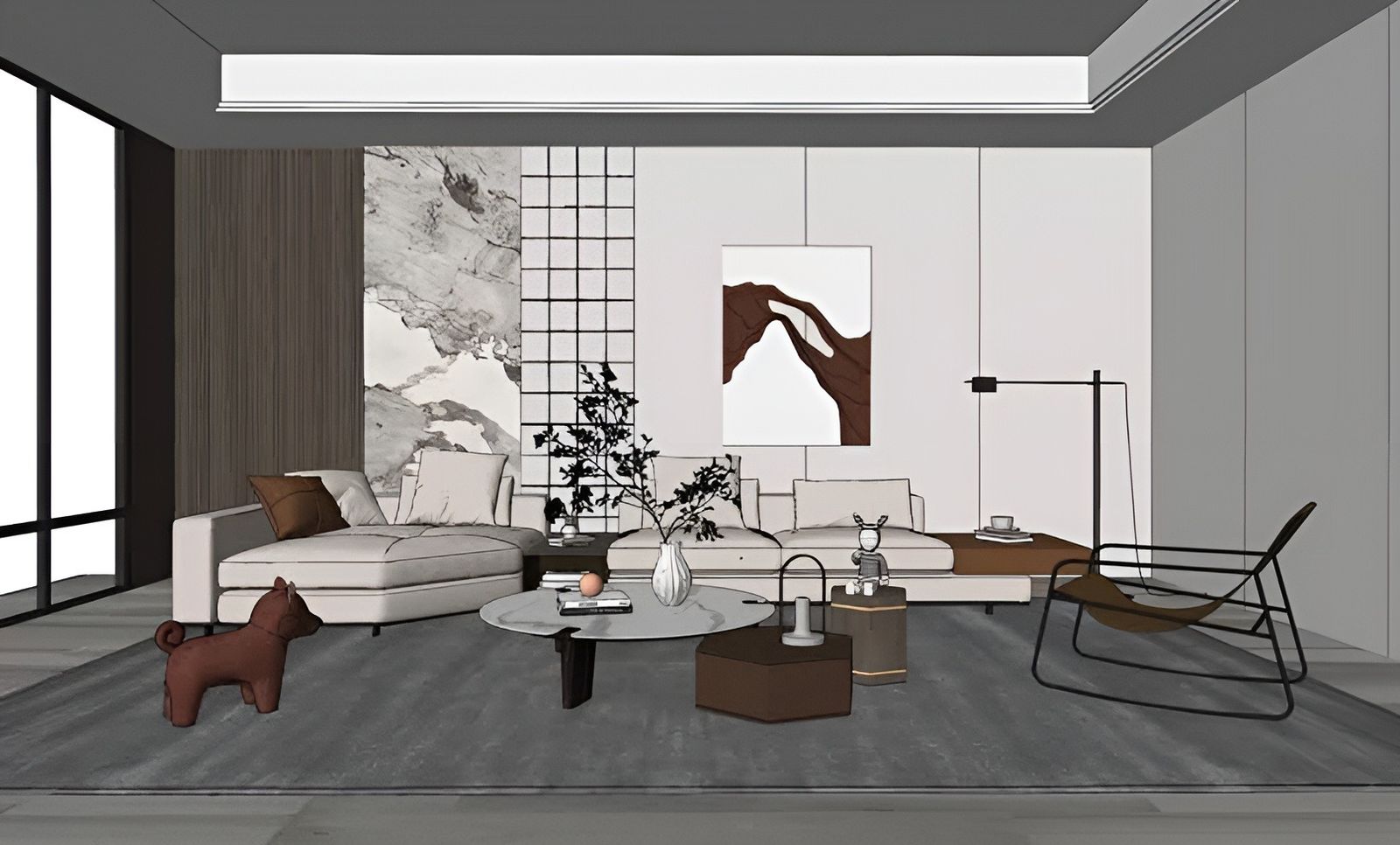
Same model. Any light, any style.
Change the light or the style, never the design. Every image here is a real render from the plugin. Drag any of them to see the SketchUp view it came from.
Project
Look
KitchenTropical modern style, bright day
Drag the divider to compare the SketchUp view with the render.
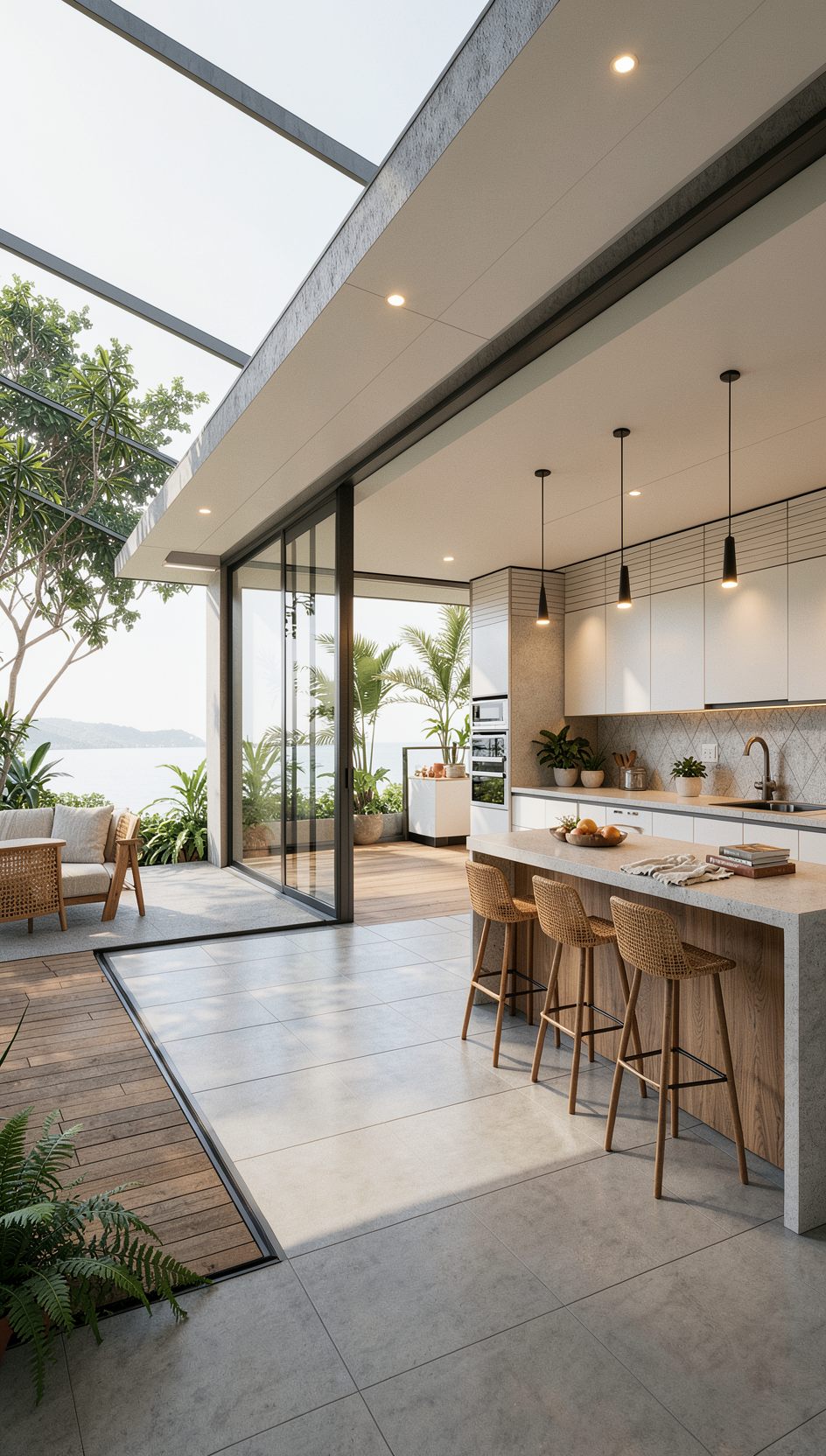
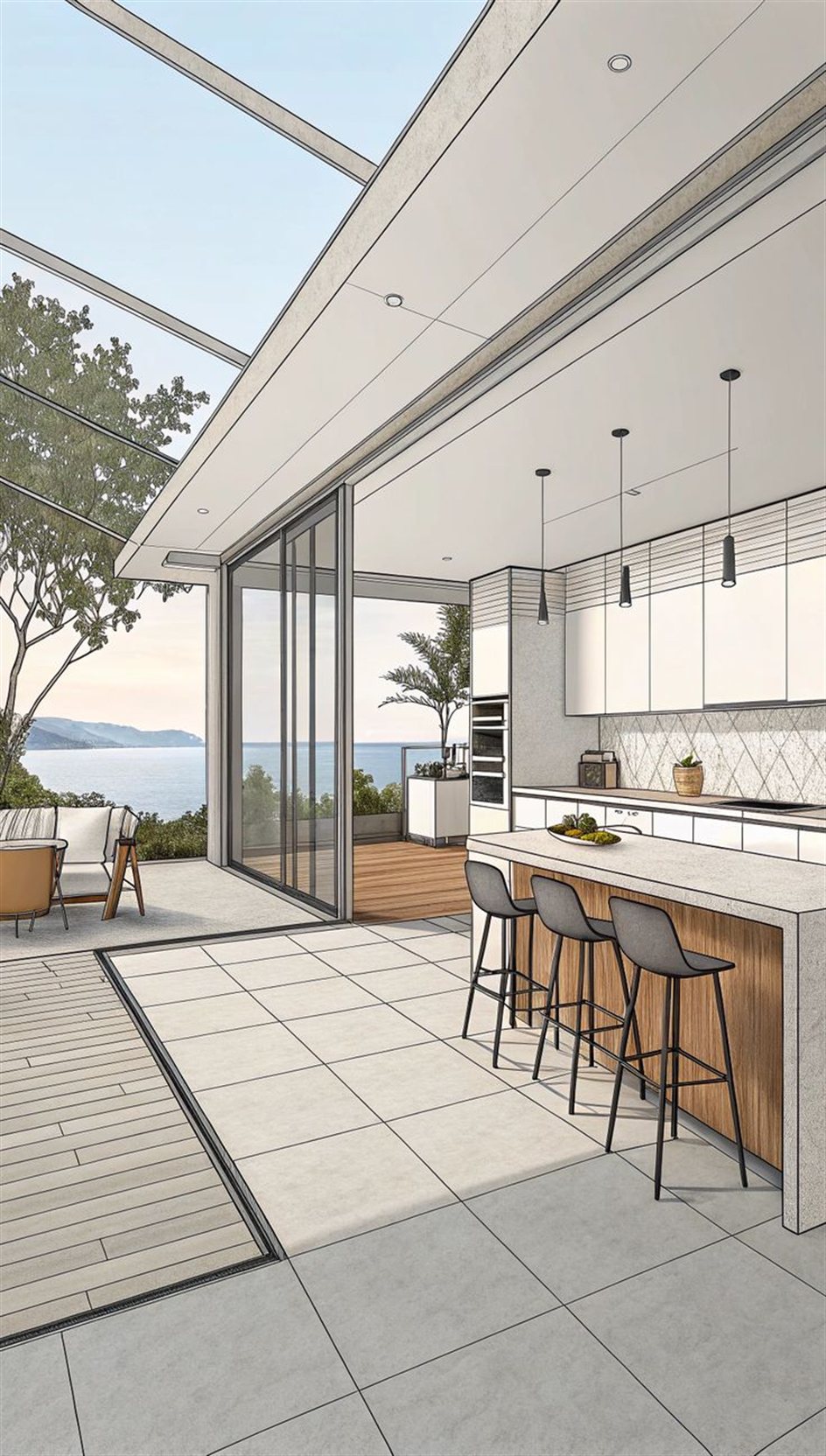 SketchUp view Realize render
 -
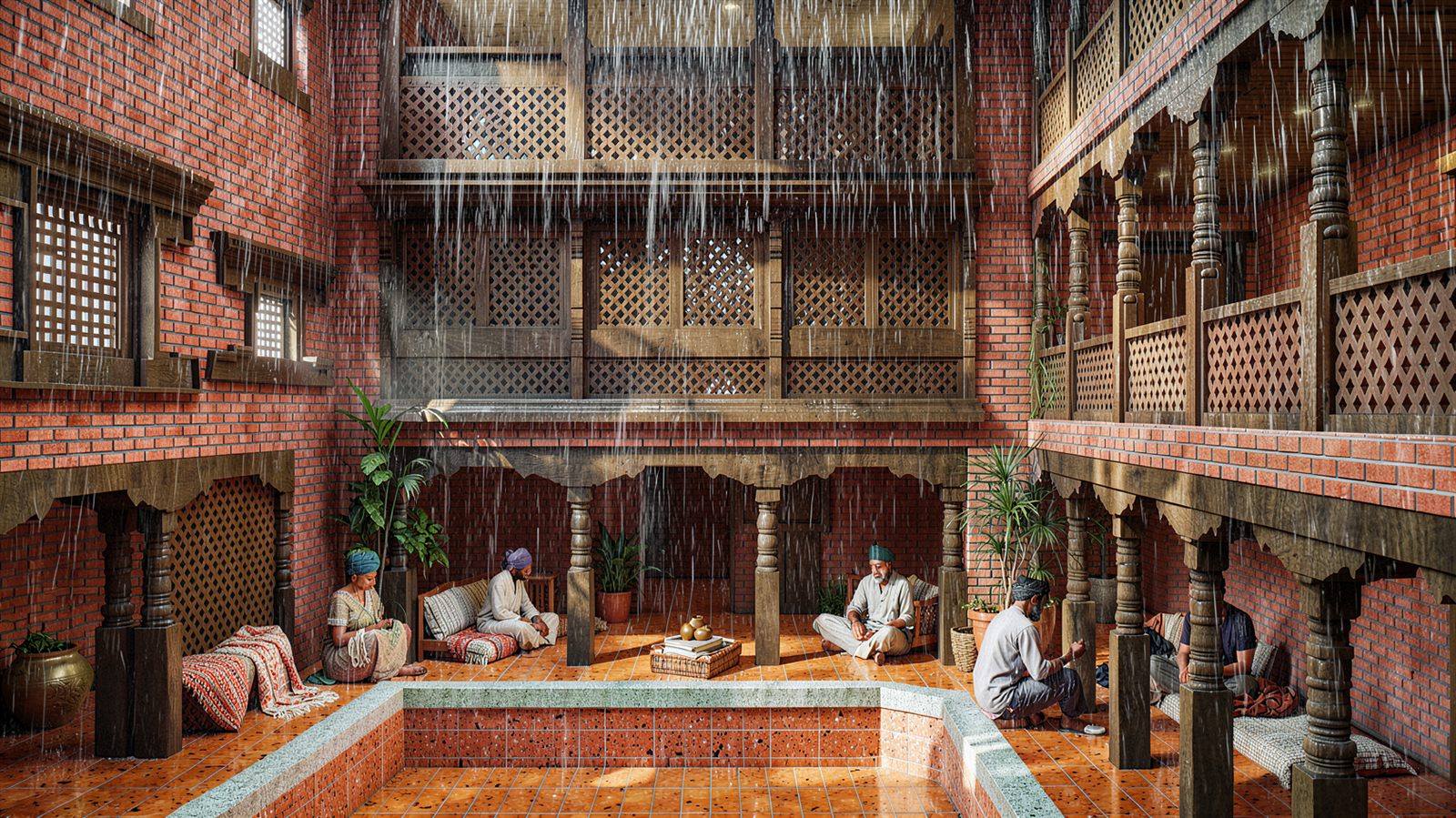
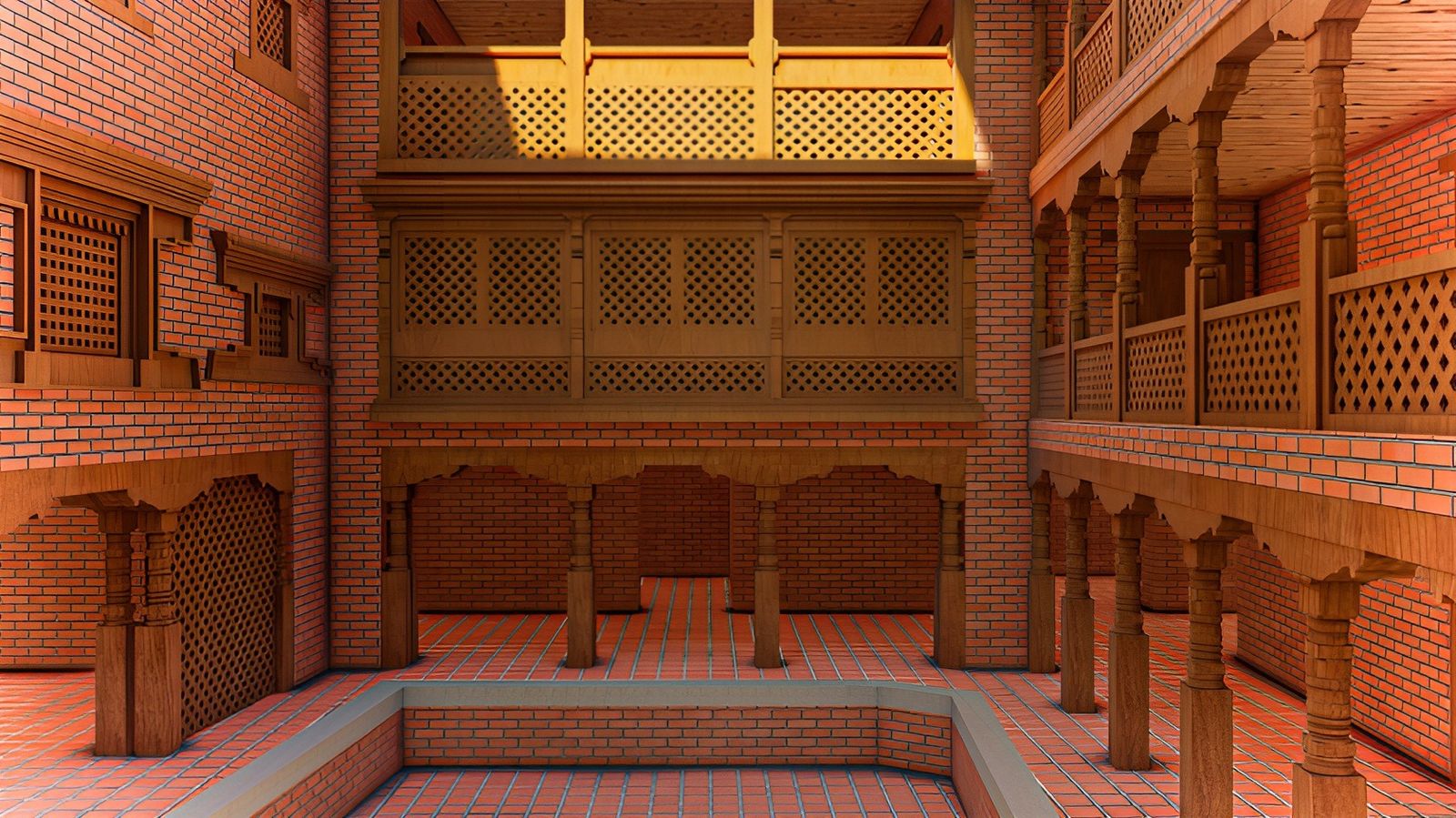 SketchUp view Realize render
 Newari courtyardContemporary Nepali style, rainy
-
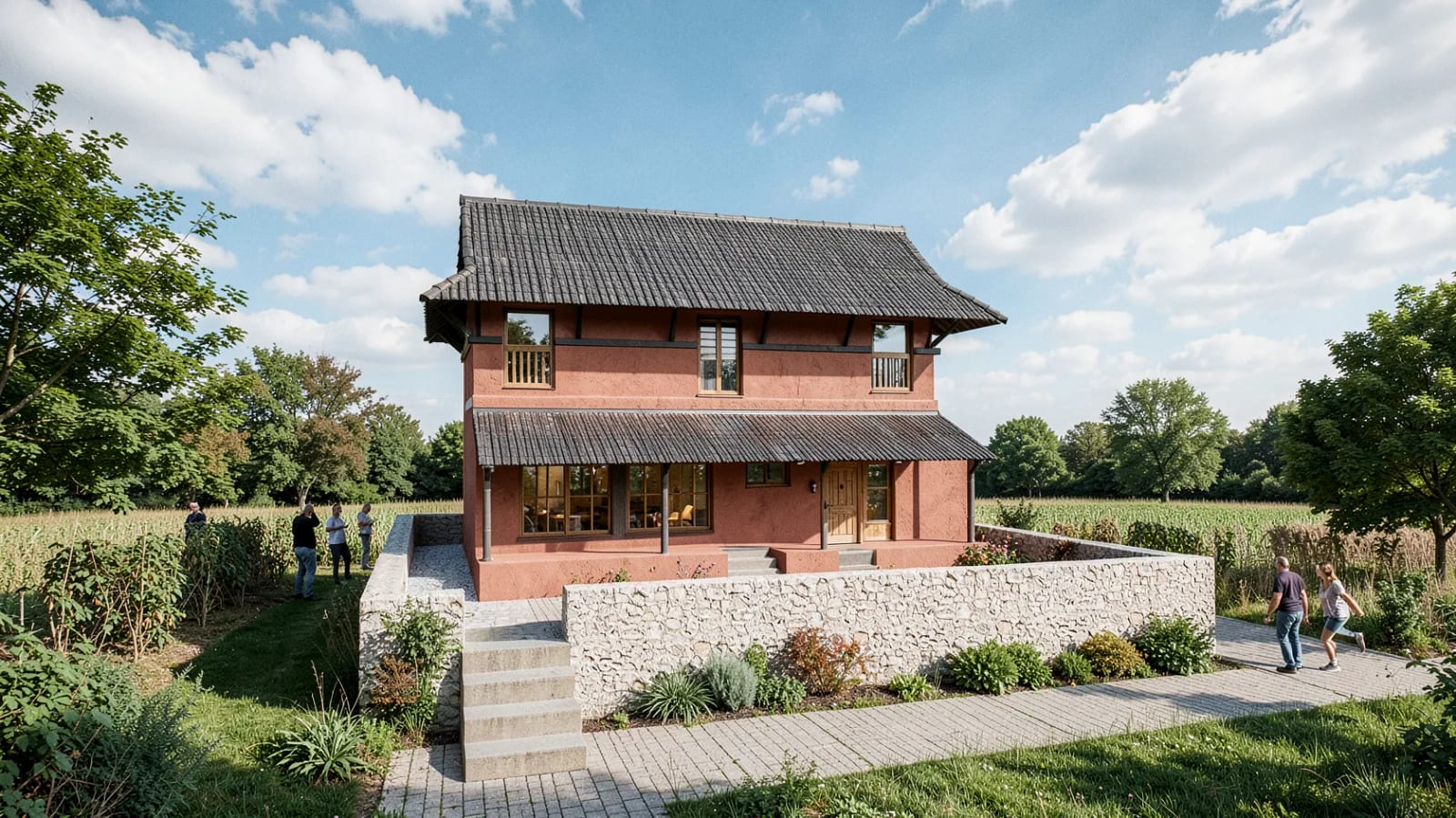
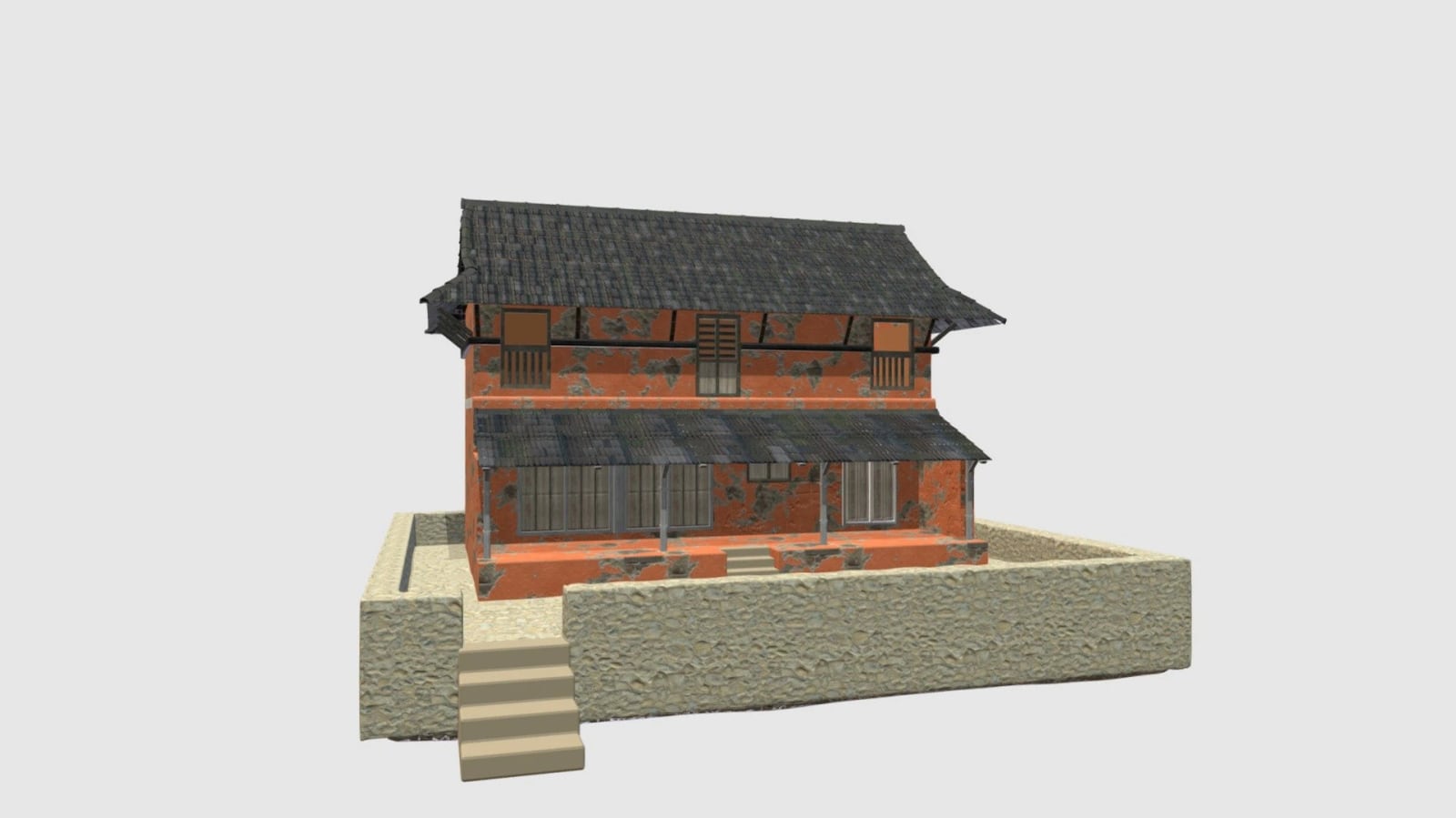 SketchUp view Realize render
 Traditional architectureBright day, with landscaping and people added
Every feature in four minutes.
Recorded inside SketchUp on an RTX 5060 laptop, from setup to batch rendering.
Will it run on your PC?
Realize checks your graphics card, then installs the engine you pick with one click and a progress bar. No Python, no command line.
Which graphics card is in your PC?
Not sure? In Windows open Task Manager → Performance → GPU. The card’s name is at the top right and Dedicated GPU memory is its VRAM.
Yes, it runs.
With 8 GB of system RAM, your PC runs all three engines and Smart vision. More video memory simply renders faster.
-
Realistic
Runs on 4 GB+ VRAM
The best-looking results. Understands rooms and materials, and can borrow mood or furniture from up to three inspiration photos.
- Highest realism
- Inspiration images
- Best for client images
-
Classic
Runs on 4 GB+ VRAM
Maximum control. Follows your SketchUp colours closely, with edge and depth guides and a faithfulness slider.
- Edge and depth guides
- Stays close to your colours
- Faithfulness slider
-
Light
Runs on 4 GB+ VRAM
The fastest engine and the smallest download, with the same edge and depth guidance. Great for quick options.
- Fastest renders
- Smallest download
- Edge and depth guides
Smart vision add-on. Reads rooms and materials straight from your view for better automatic choices. Also 4 GB+.
Fifteen looks, or keep your own.
Pick a look for interiors or exteriors. Keep my design uses your own SketchUp materials and colours; every other style restyles finishes and decor.
-
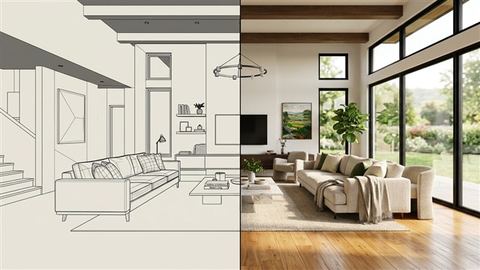 Keep my design Uses your own SketchUp materials
 -
 Modern minimalist
 -
 Scandinavian
 -
 Japandi
 -
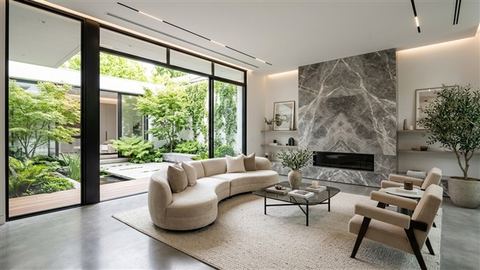 Contemporary
 -
 Industrial loft
 -
 Mid-century modern
 -
 Luxury
 -
 Classic / neoclassical
 -
 Tropical modern
 -
 Mediterranean
 -
 Boho
Boho -
 Coastal
 -
 Wabi-sabi
 -
 Contemporary Nepali
 -
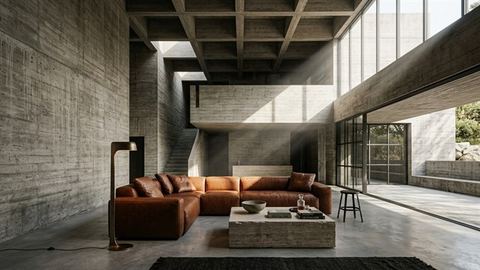 Brutalist / concrete
Built for the way architects present.
-
Variations side by side
Render up to four options and compare them with a before and after slider.
-
Batch your SketchUp scenes
Tick your scenes and render them all with consistent seeds. Ideal overnight.
-
Render any picture
Drop in a hand sketch, site photo or CAD export and render it with the same controls.
-
Refine a finished render
“Make the sofa dark green bouclé.” Change a render without starting over.
-
Instant Best Render
Auto-detected space, your own materials, balanced light and architectural framing.
-
Reference images
Add inspiration photos to steer mood, materials and furniture.
Pay once. Render forever.
No subscription and no render credits. Your download and licence key arrive straight after checkout.
-
Lifetime · 1 PC
Most popularUS$ 50 one-time
Pay once. Realize AI on your workstation for good.
Opening soon- Never expires
- Unlimited renders
- Commercial use
- Free updates
- Email support from the developer
-
Lifetime · 2 PCs
US$ 80 one-time
Studio PC and laptop, or two seats for a small practice.
Opening soon- Two licence keys
- Never expires
- Unlimited renders
- Commercial use
- Free updates
Checkout opens soon. Email us and we’ll tell you the day it opens.
Needs Windows 10/11, SketchUp 2021–2026, 8 GB RAM and an NVIDIA card with 4 GB+. Check your PC. If it still won’t run, you get a full refund within 14 days.
- Secure checkout: cards, Apple Pay, Google Pay
- Download and key straight after payment
- GST and VAT handled for your country
- 14-day refund if it won’t run on your PC
What happens after you pay
-
Your order page opens
Straight after checkout, on this site. It’s private to you and remembers your order.
-
Download and install
Install the .rbz in SketchUp’s Extension Manager. Realize sets up its engine with one click.
-
Paste your Device ID, get your key
Realize shows your Device ID. Paste it on the same page and your key is made for that PC. It then works offline too.
Your Device IDDEV-XXXX-XXXX-XXXX
Realize compared with credit-based AI renderers
Questions, answered.
Something else? Email support@sketchupsimplified.com. The developer replies personally.
What graphics card do I need?
Any NVIDIA graphics card with 4 GB or more of video memory, plus 8 GB of system RAM — that runs all three engines. More video memory renders faster. Realize was tested at about 15 seconds per render on an RTX 5060 laptop. It checks your card before installing anything.
Are there credits or render limits?
No. Every engine runs on your own PC, so render as much as you like. There’s no account and no subscription.
Will it keep my design?
Yes. Realize passes your model’s edges, depth and materials to the engine as guides, and a faithfulness slider sets how far it may stray. Choose “Keep my design” to keep your own materials, or one of 15 styles to restyle finishes.
Does my model leave my computer?
No. Capture and rendering both happen on your PC. Realize only goes online to check your licence and offer updates.
Can I see it working before I buy?
Yes — watch the full 4-minute feature guide on this page; it’s recorded inside SketchUp. Check your graphics card against the requirements, and if Realize still won’t run on your PC you get a full refund within 14 days.
When do I get the download and my key?
Straight after payment. Your private order page opens with the download. Install Realize, copy the Device ID from its lock screen (DEV-XXXX-XXXX-XXXX), paste it on the same page and your key is made for that PC — it then works even offline.
I got a new computer. Can I move my licence?
Yes. Email us your old key and the new Device ID and we’ll issue a replacement key for the new PC.
Is there a Mac version?
Not yet. Realize runs on Windows 10/11 with SketchUp 2021 or newer.
Can I get a refund?
Yes. If Realize doesn’t run on your PC, email us within 14 days of purchase for a full refund.
Render your next design tonight.
US$50 once. Installed and rendering in minutes.
More SketchUp extensions are on the bench.
- Realize AI Render v0.5.6
- Next extension In development
- More to come Planned